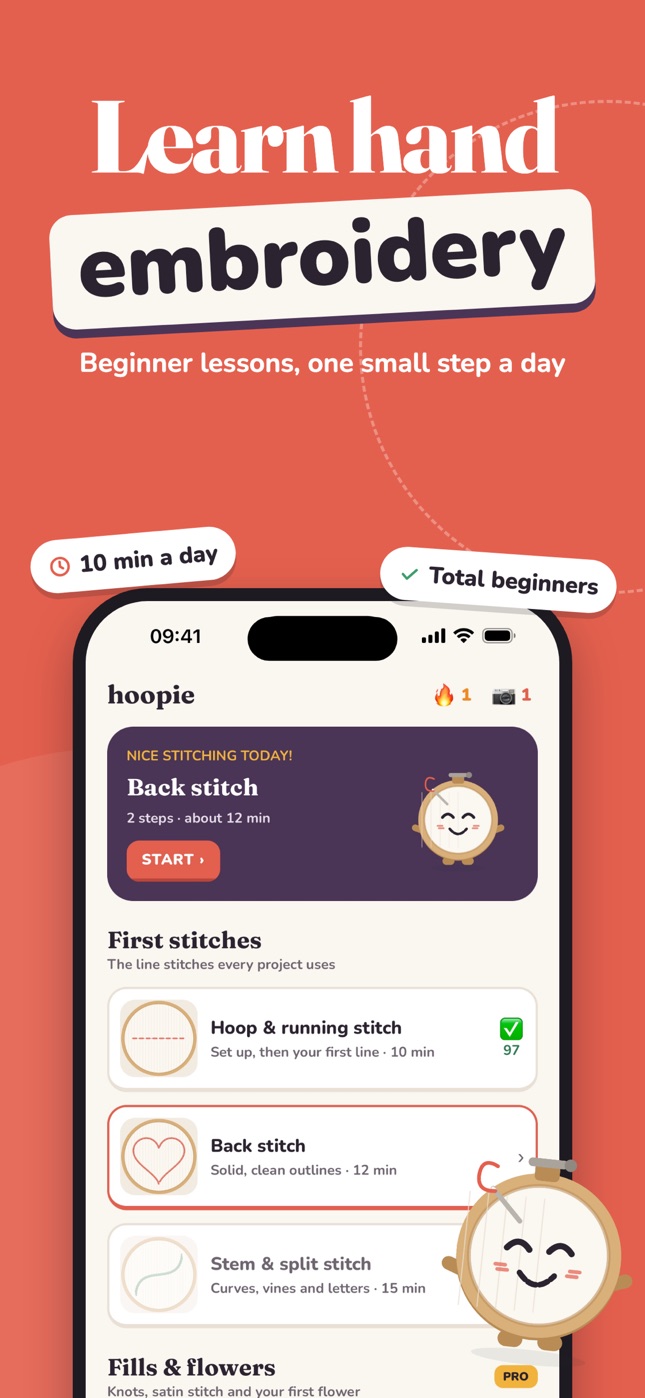
Hand embroidery app for beginnersLearn handembroidery
Beginner lessons, one small step a day. Follow an animated stitch guide, stitch on real fabric, then snap your hoop and Hoopie tells you exactly what to fix.
Free to start · iPhone & iPad
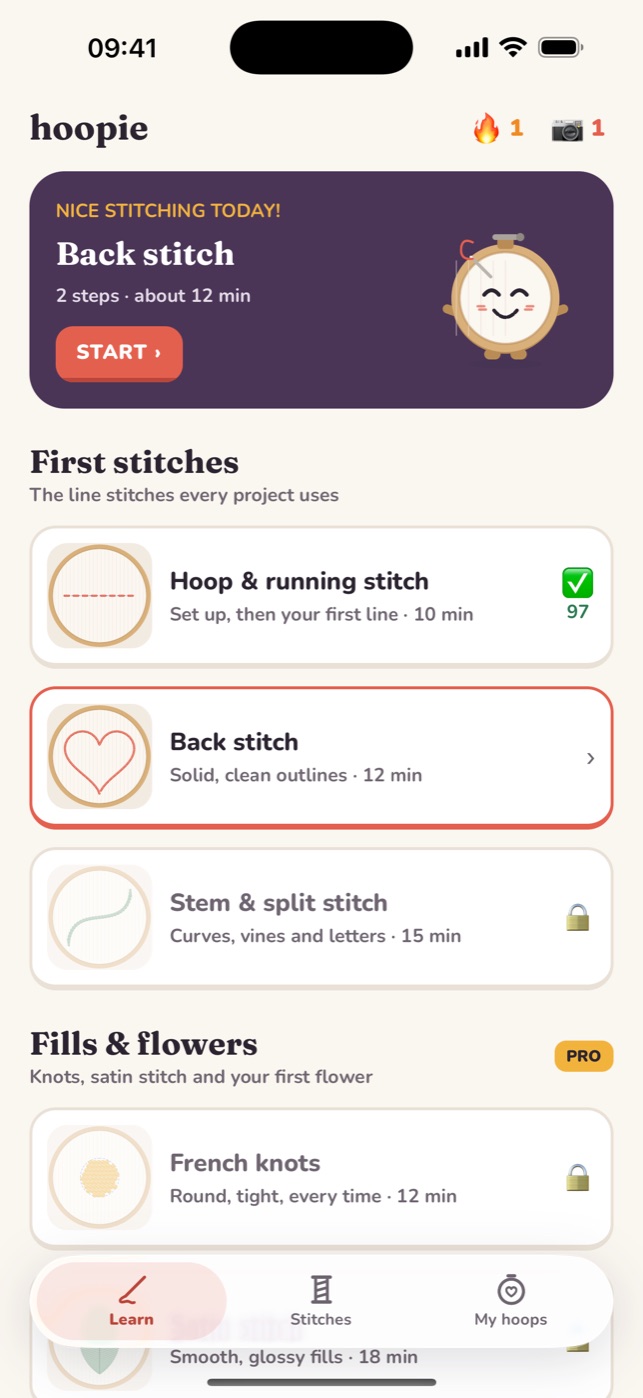
- 28 hand stitches
- Animated needle guides
- AI photo feedback
- Left-handed view
- Available in 33 languages
How it works
Stitch it. Snap it. Get it right.
Videos show you a stitch once. Hoopie watches you learn it: every lesson ends with a photo of your own hoop and specific feedback on it.
1
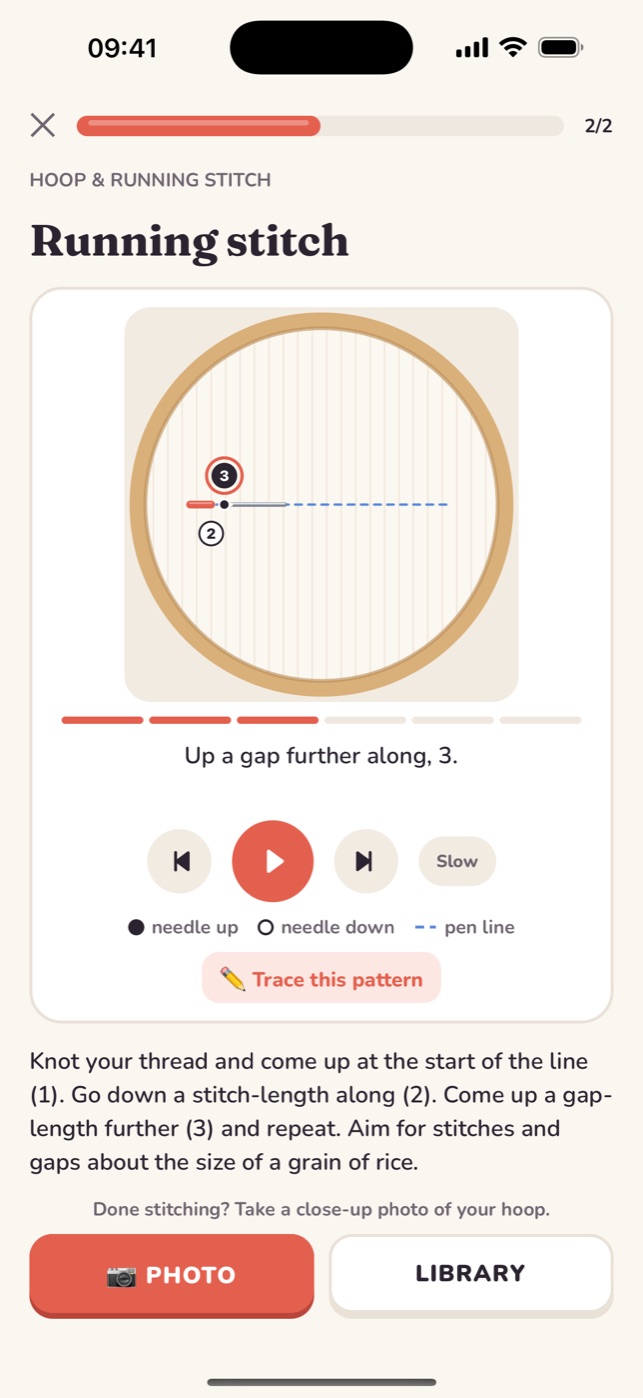
Follow one small step
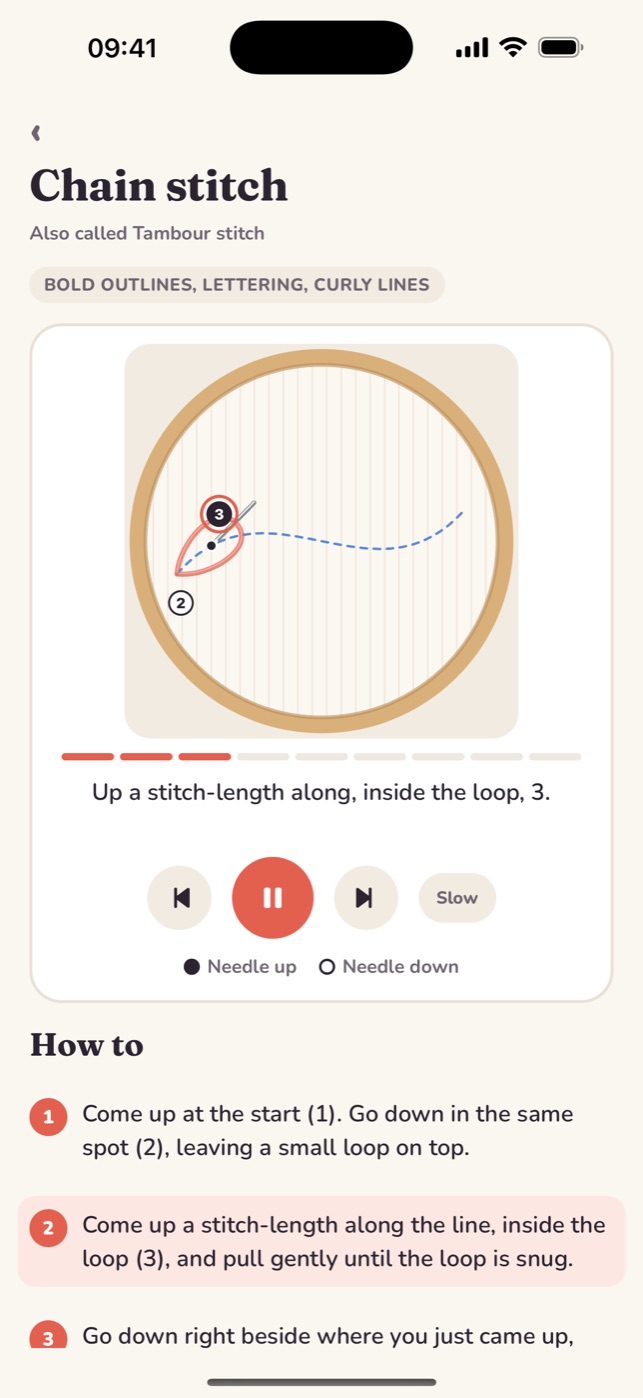
Clear animated diagrams show where the needle goes up and down, numbered point by point. Slow mode and a left-handed view are one tap away.
2
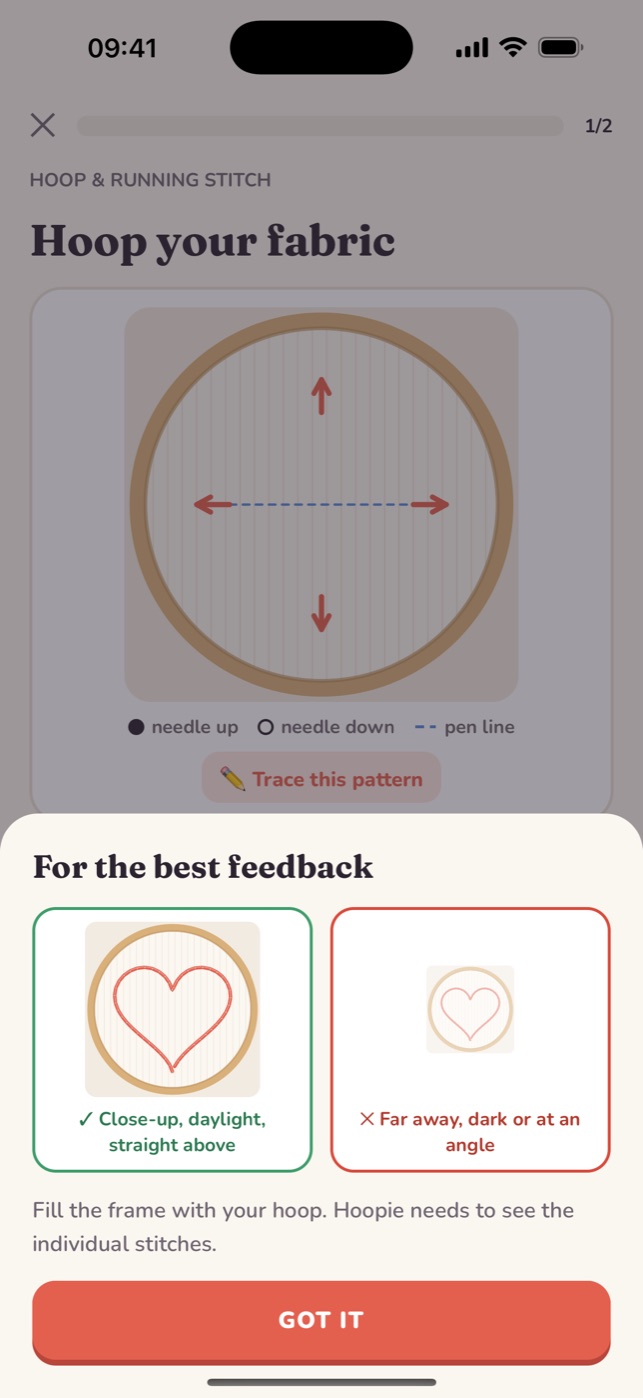
Snap a photo of your hoop
Stitch on real fabric, then take a close-up photo. Hoopie looks at your actual stitches, not a quiz.
3
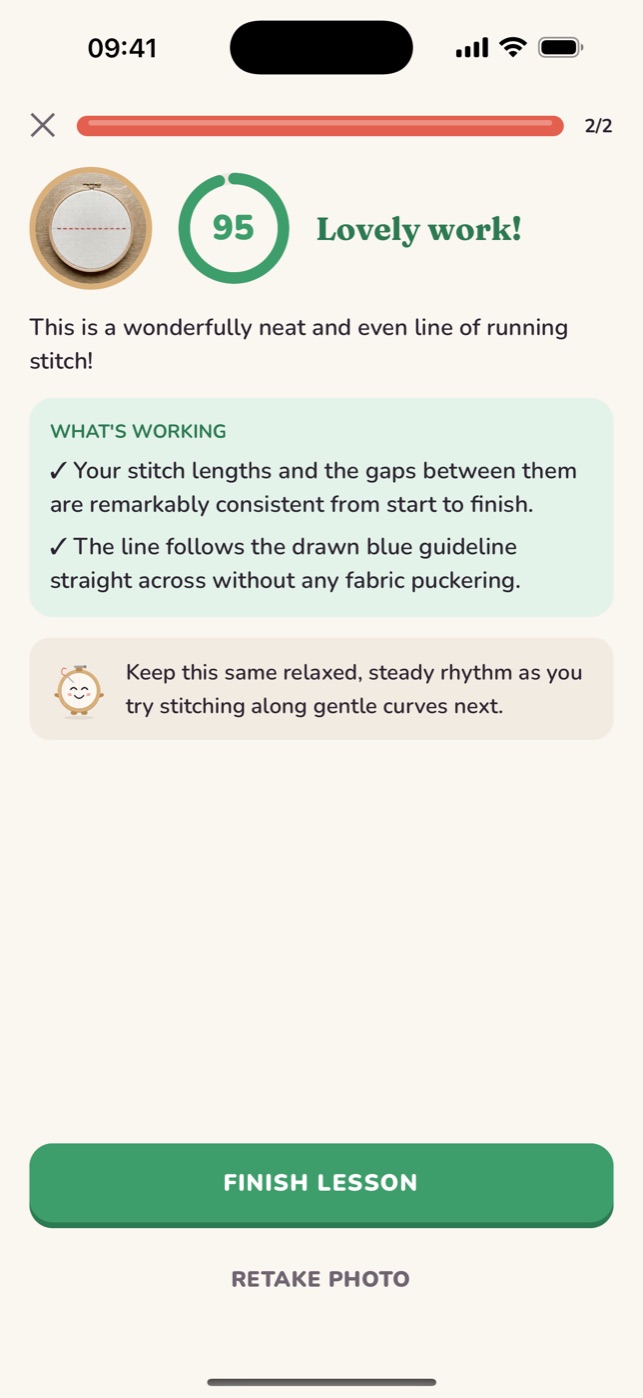
Get exact fixes
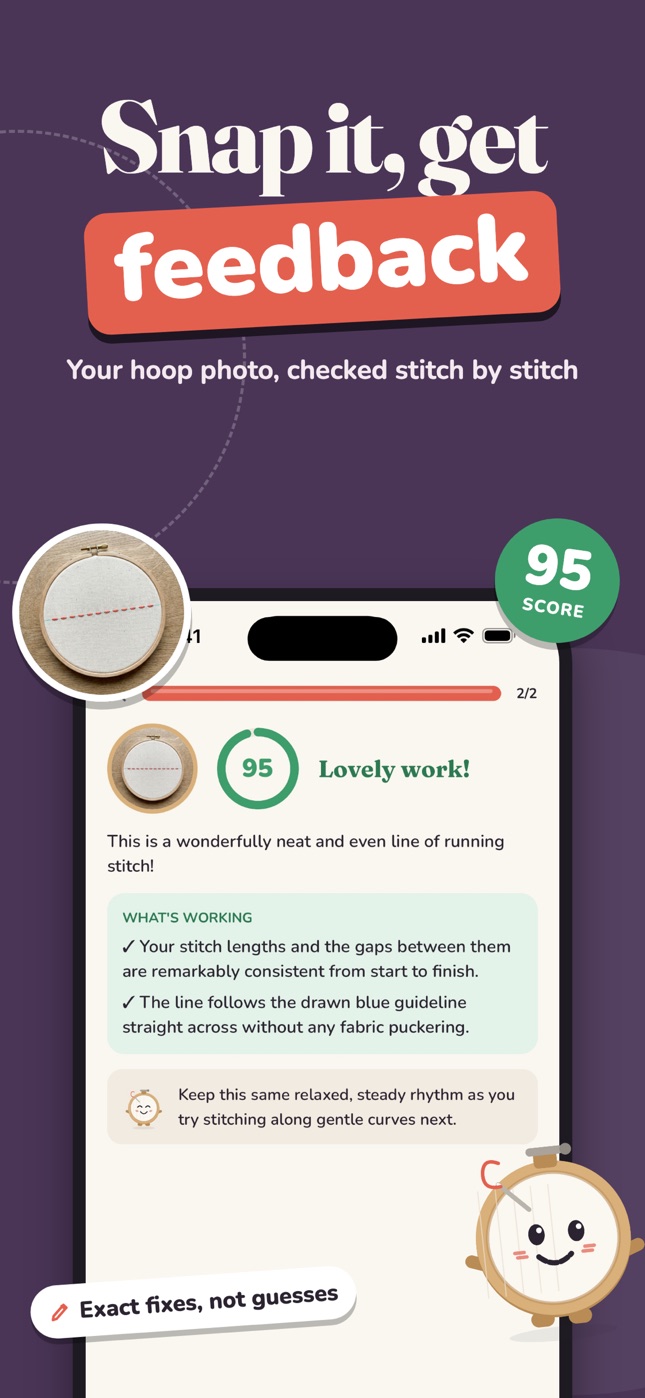
A score, what's working, and up to two fixes such as "The left curve is pulled tight. Loosen the next 3 stitches."
AI photo coach
Snap it, getfeedback
Your hoop photo, checked stitch by stitch. Hoopie names the problem (uneven, wobbly, puckered, gappy, loose) and tells you what to do with the needle next time.
- A score out of 100 and what's already working
- Up to two fixes, written as problem → what to do
- Blurry or far-away photos don't use up a critique
- Retake the photo as many times as you like
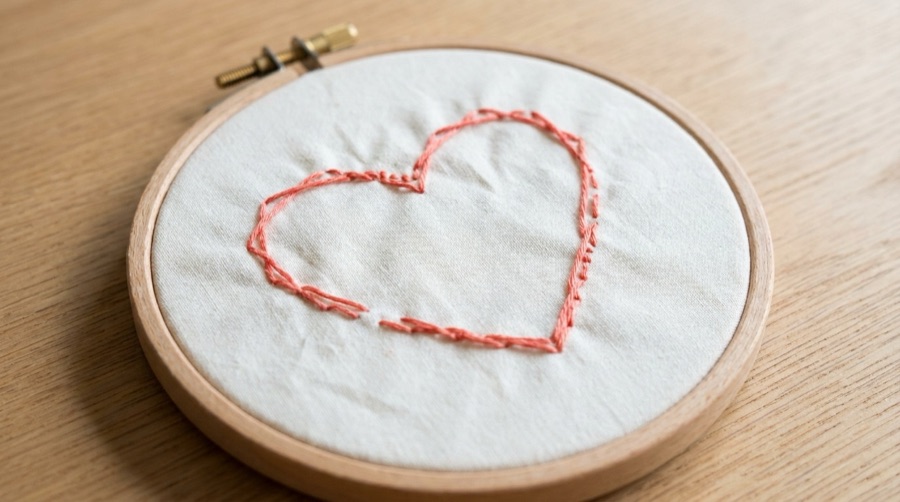
First try
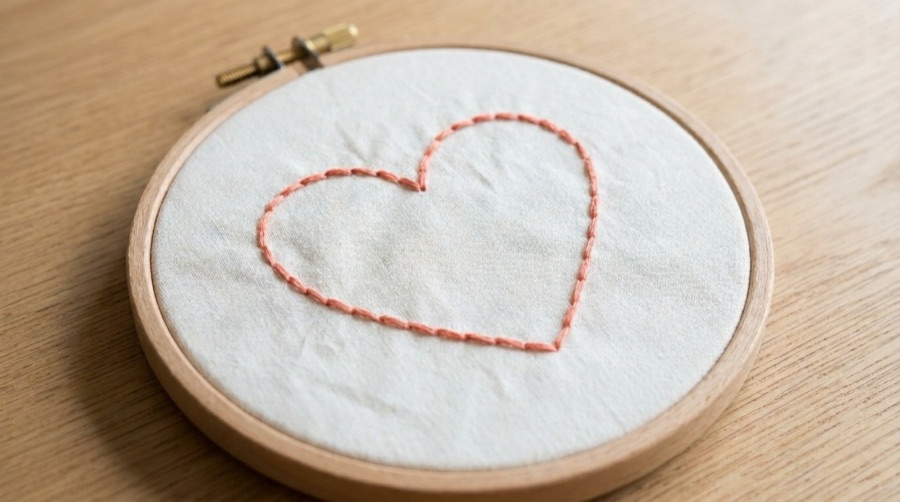
After the fix
Stitch guides
Every stitch,animated
See where the needle goes up and down. Each guide plays step by step with numbered points, a pen line to follow and a short caption for every move.
Step by step
Play, pause, or step through each needle move.
Slow mode
Halve the speed for tricky stitches like French knots.
Left-handed view
Every diagram mirrors for left-handed stitchers.
Trace this pattern
Hold your fabric over the screen and trace the design.
Stitch library
Your stitchlibrary
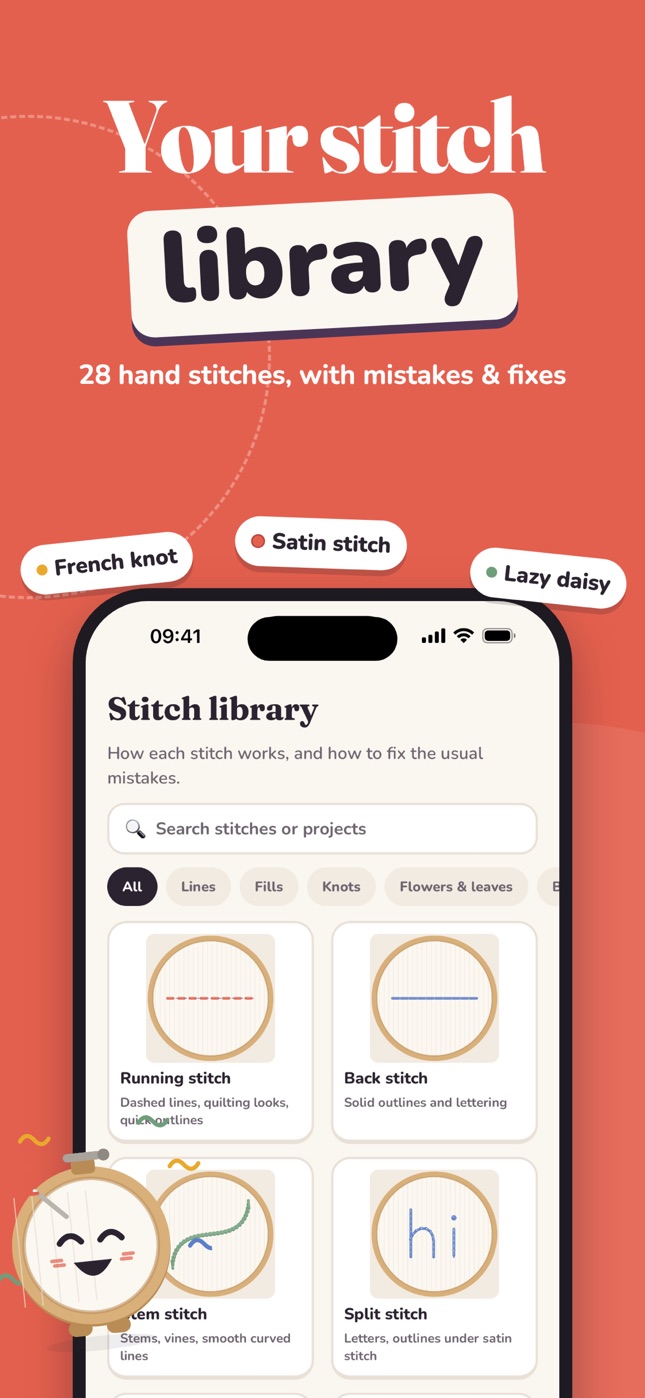
28 hand embroidery stitches with mistakes and fixes: lines, fills, knots, flowers and leaves, and borders. Search by stitch or by what you want to make.
Read the stitch guides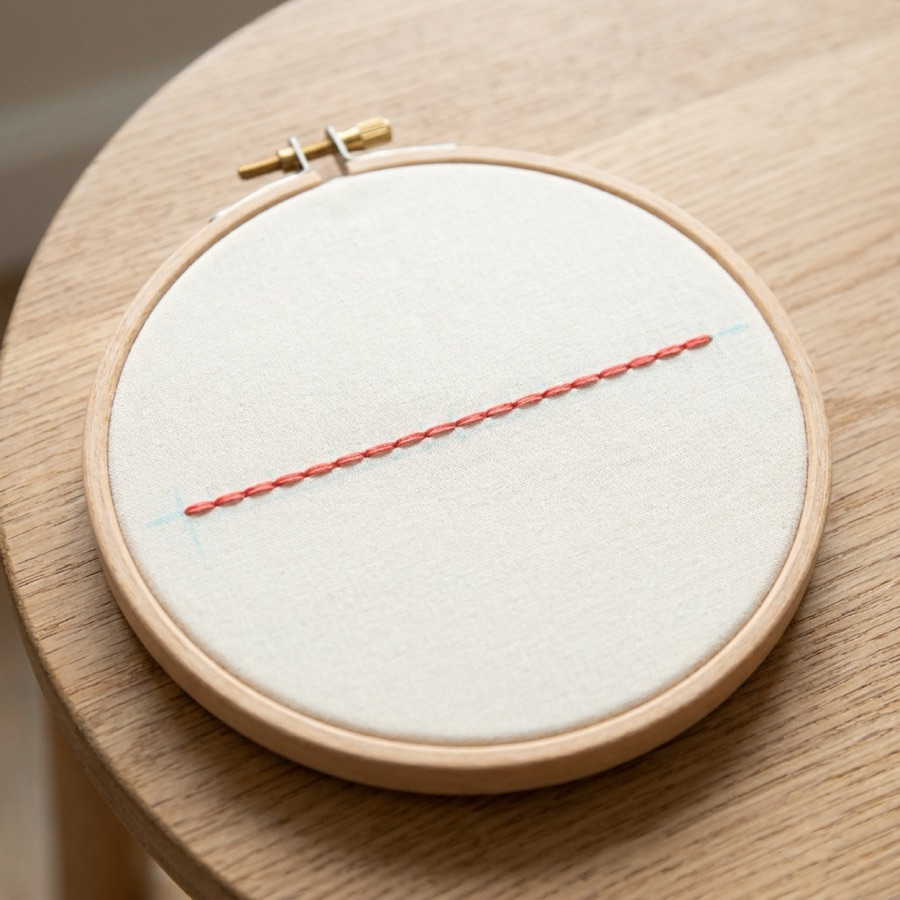
Running stitch
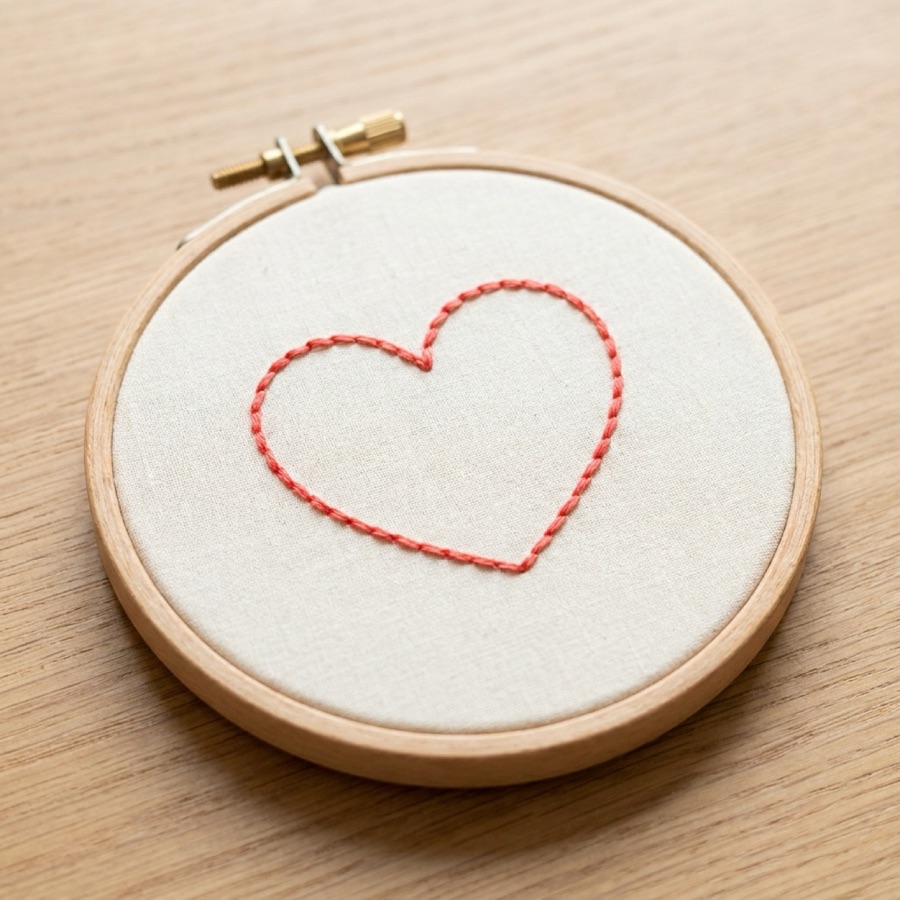
Back stitch
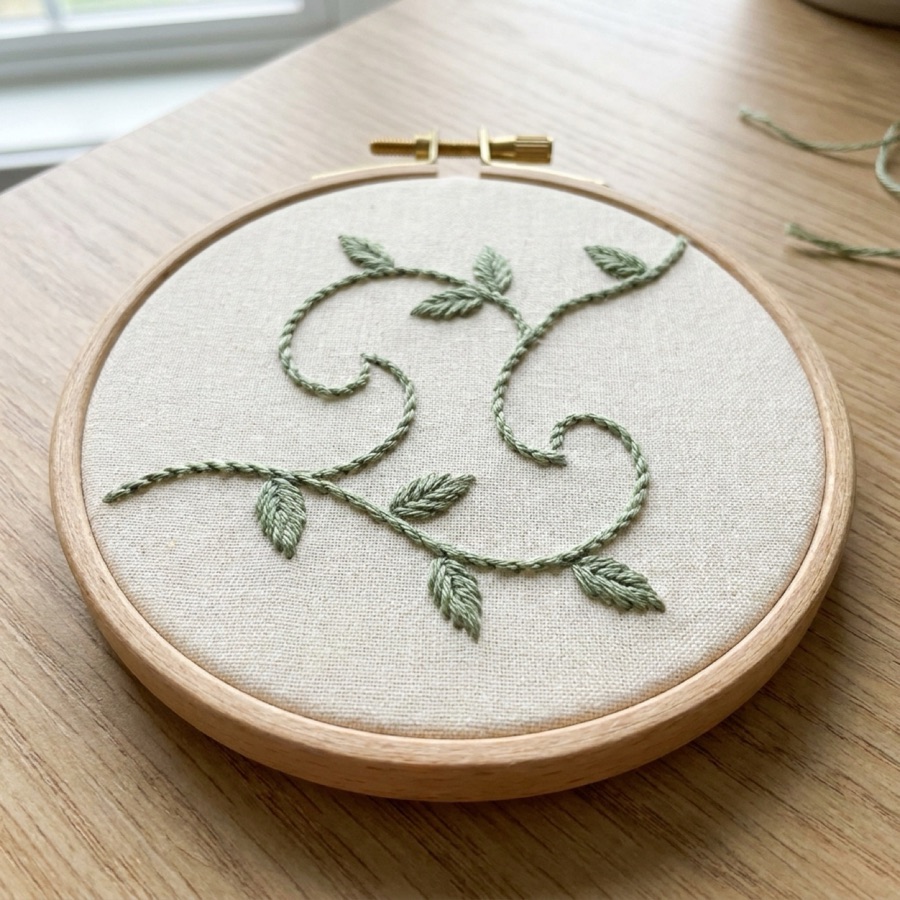
Stem stitch
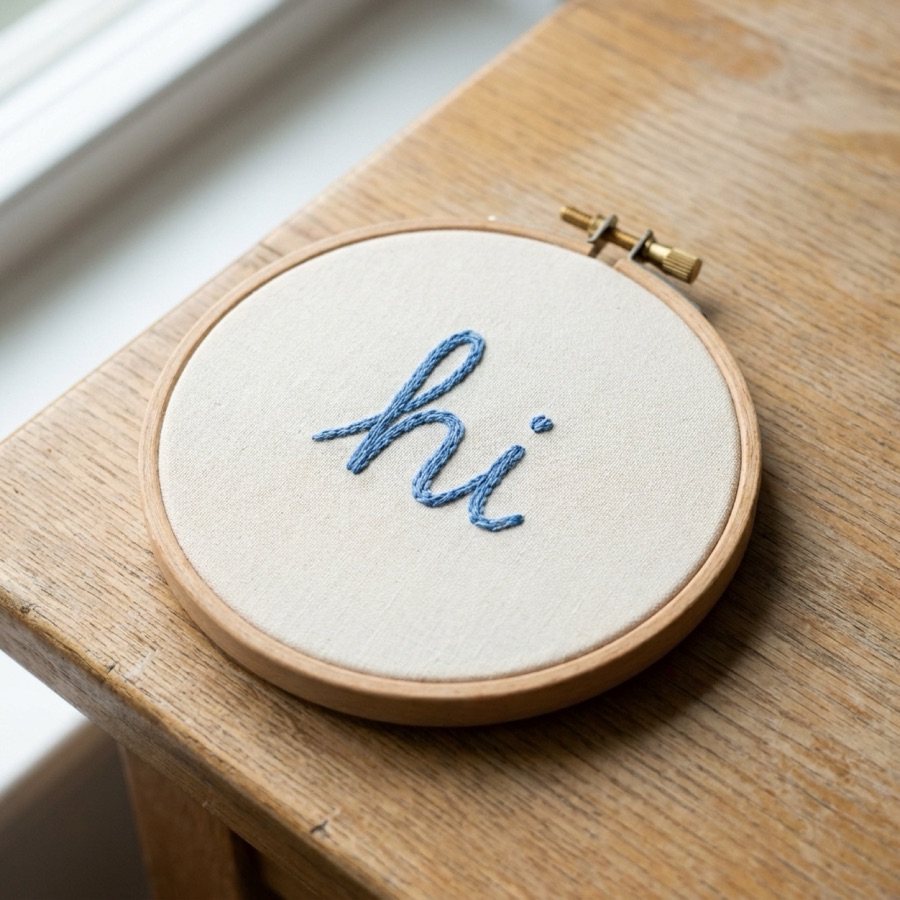
Split stitch
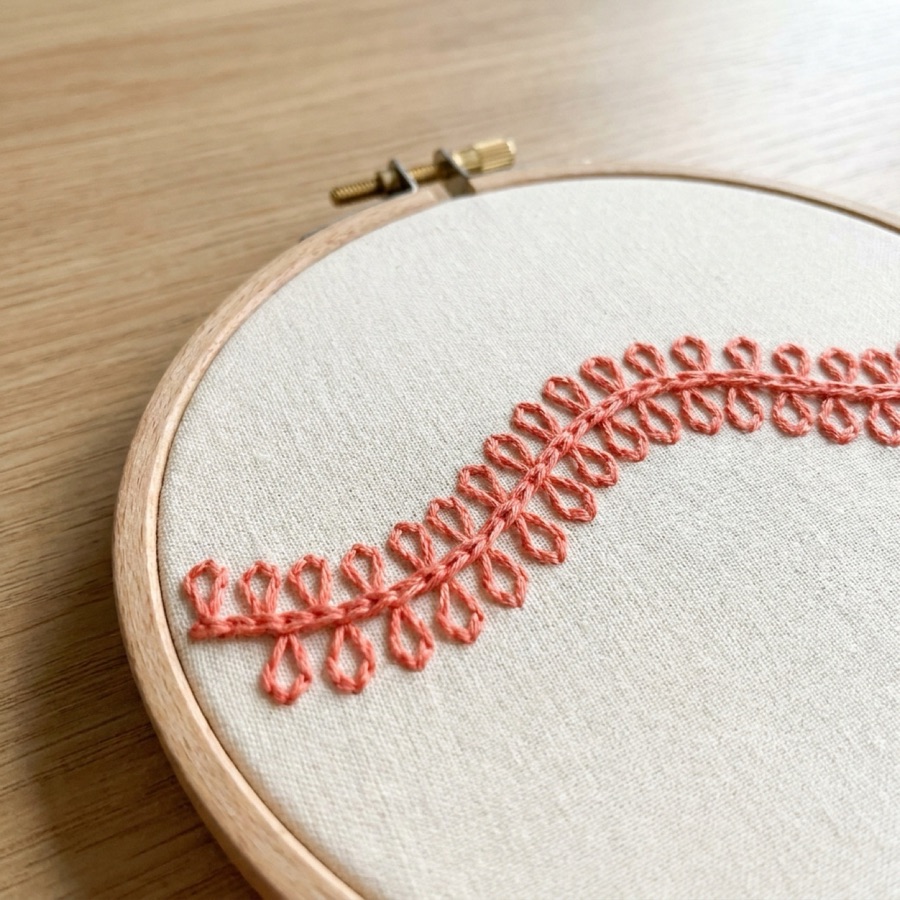
Chain stitch
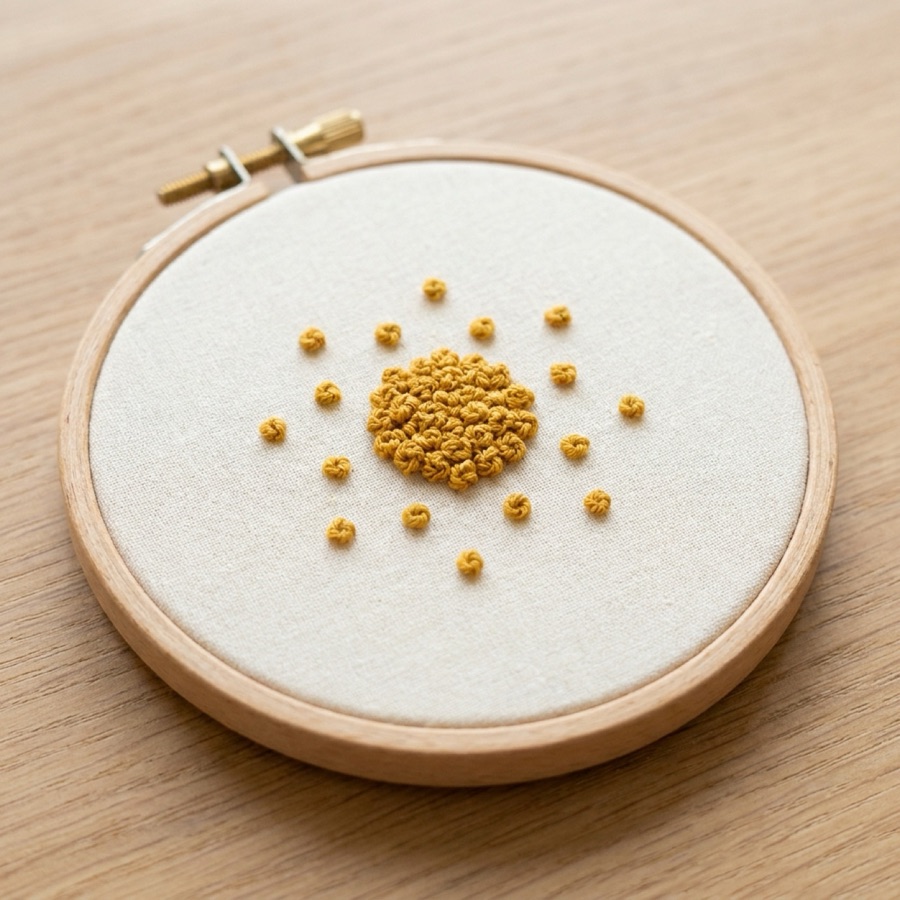
French knot
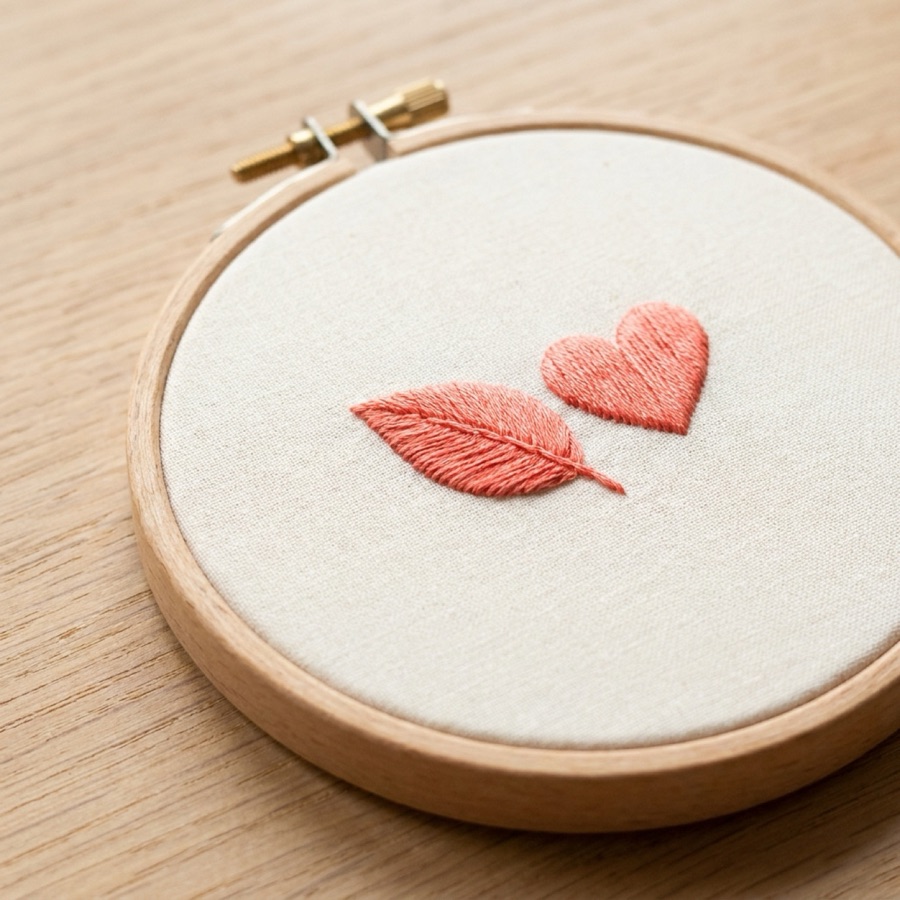
Satin stitch
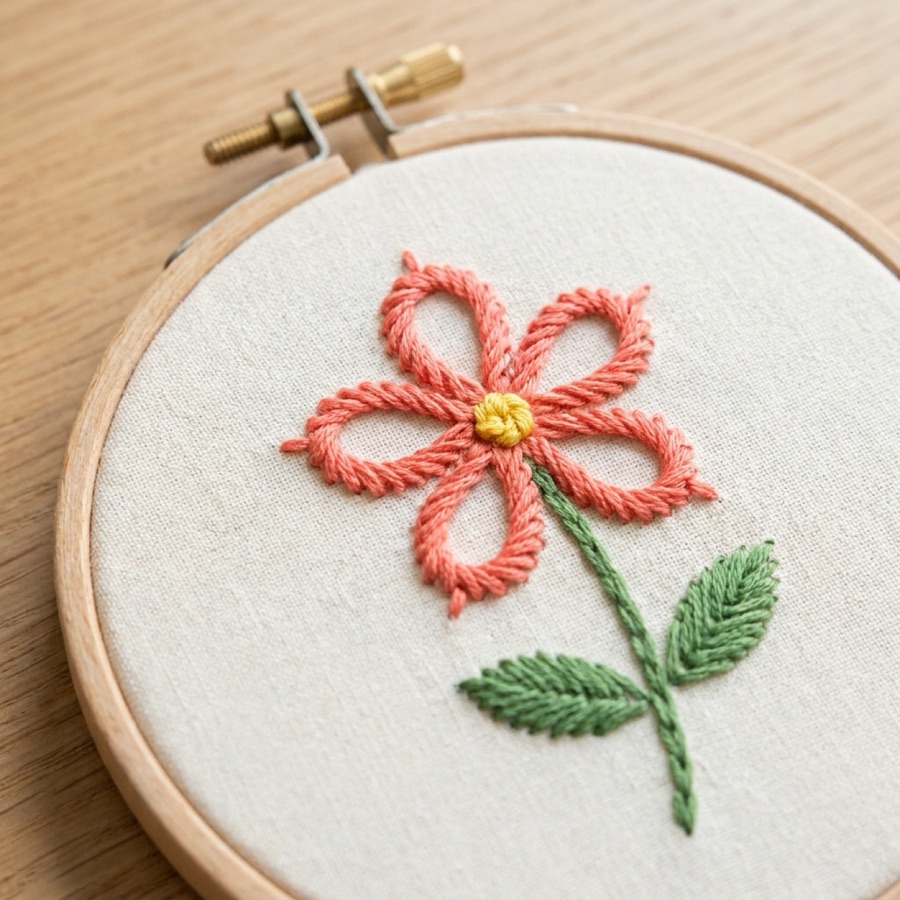
Lazy daisy
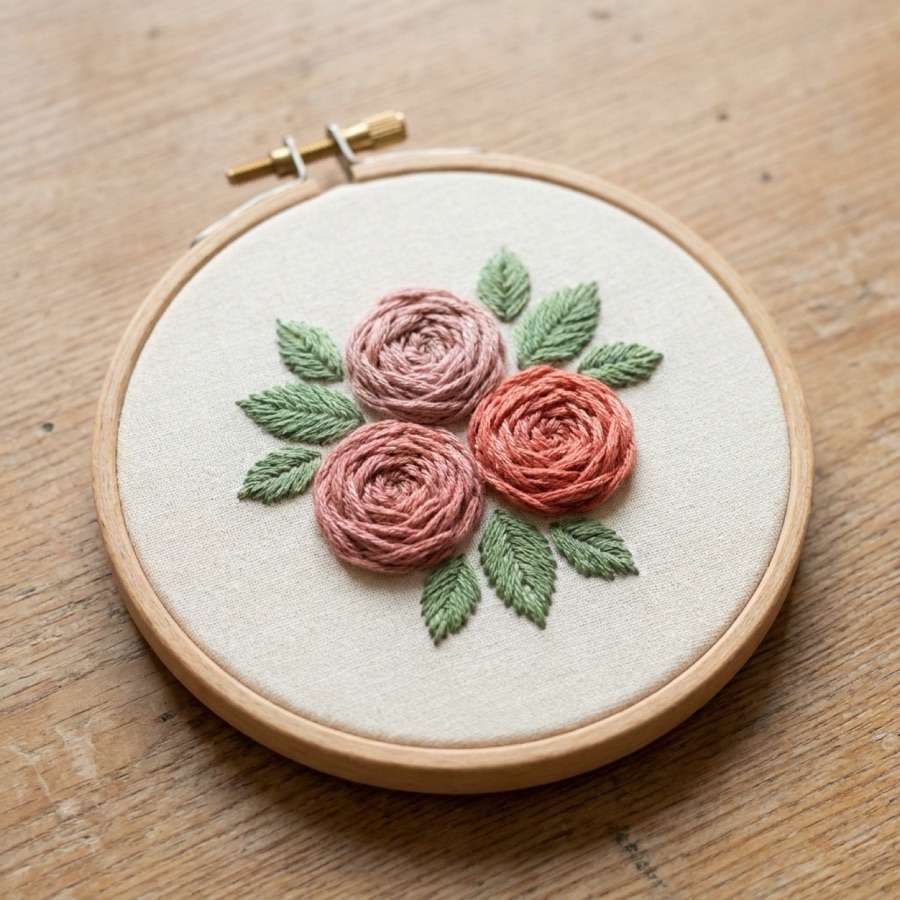
Woven wheel rose
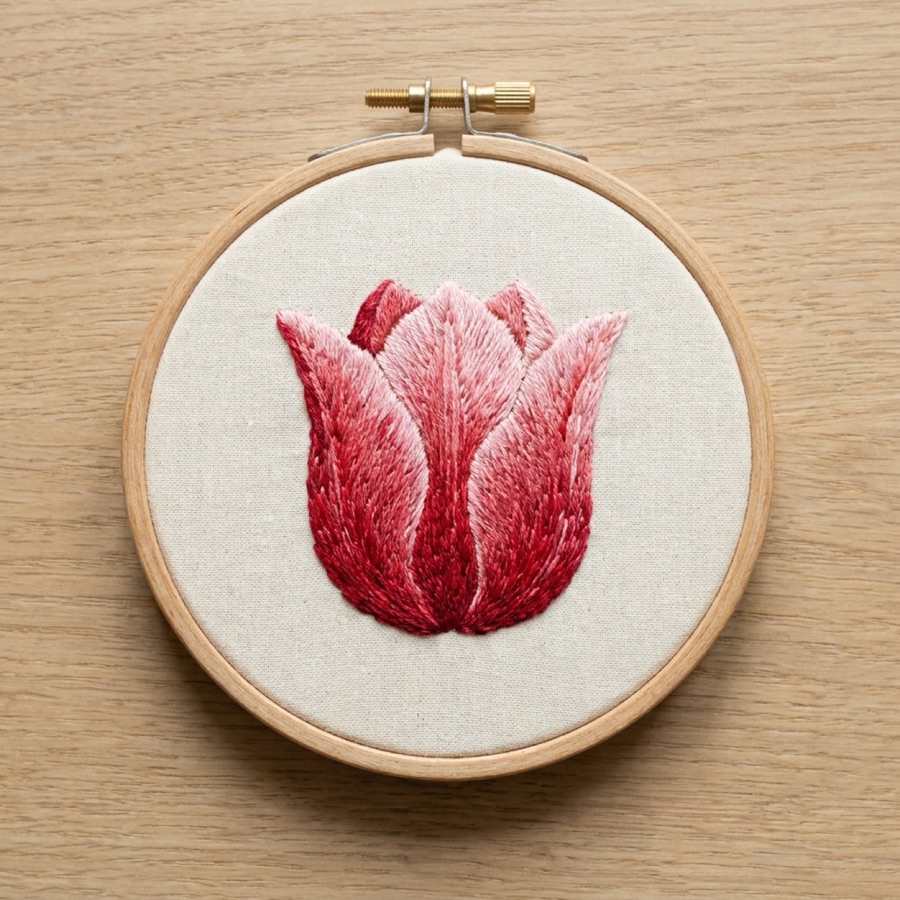
Long and short stitch
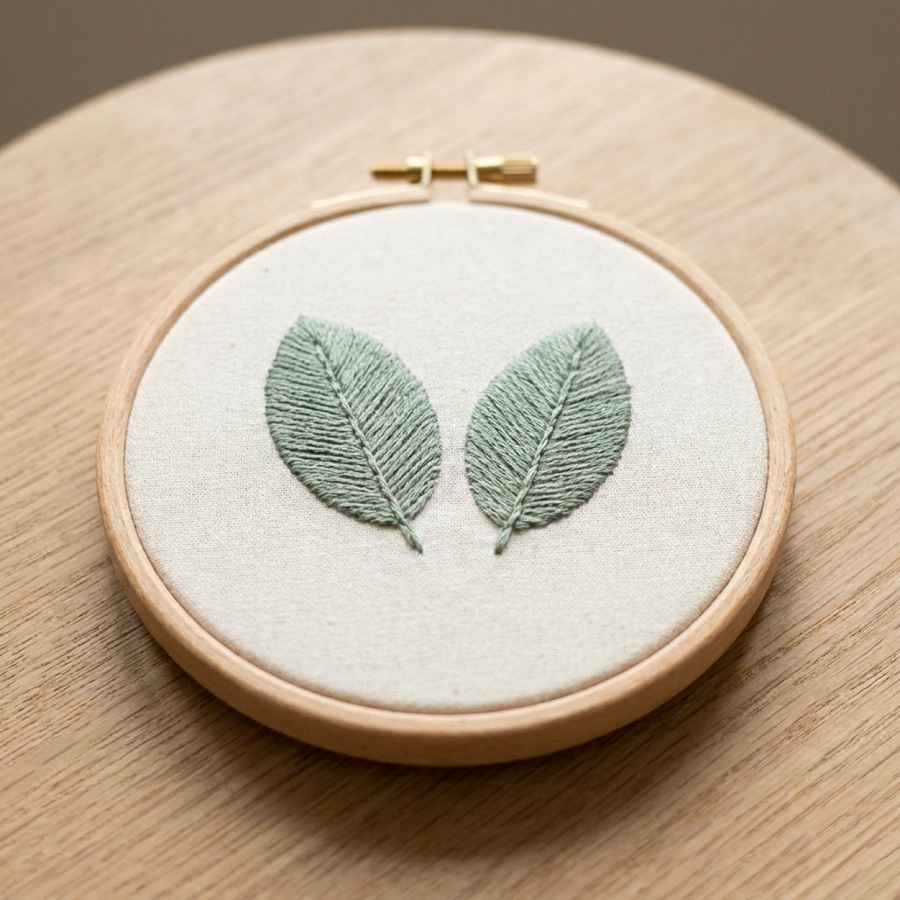
Fishbone stitch
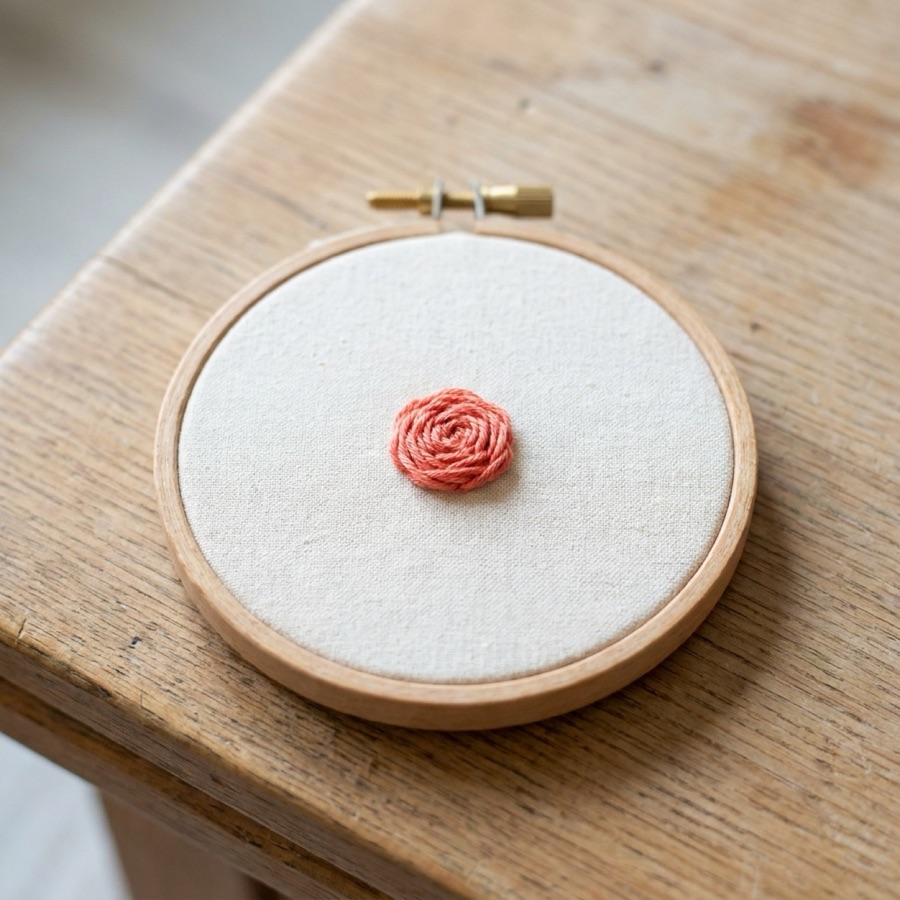
Bullion knot
Example photos of the stitches you'll learn.
Your plan
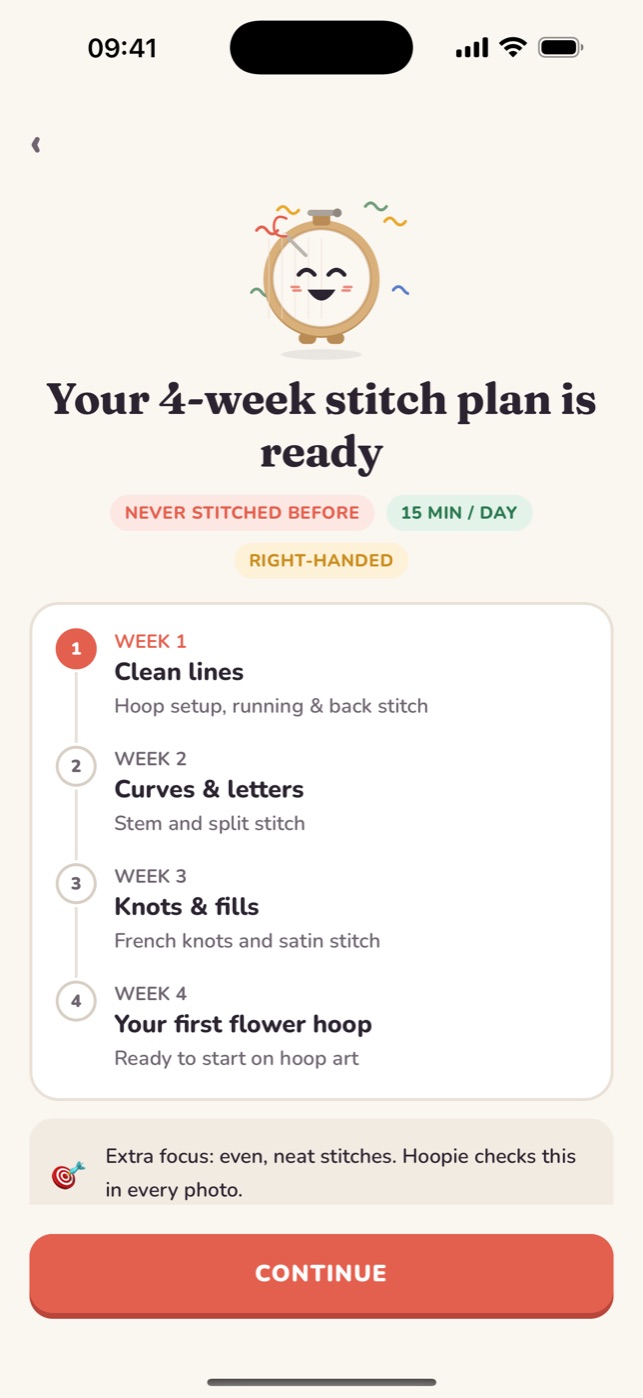
Your 4-weekstitch plan
Answer a few questions (your level, what you'd love to make, how much time you have, which hand you stitch with) and Hoopie builds a plan around you.
- 1
Week 1
Clean lines
Hoop setup, running & back stitch
- 2
Week 2
Curves & letters
Stem and split stitch
- 3
Week 3
Knots & fills
French knots and satin stitch
- 4
Week 4
Your first flower hoop
Ready to start on hoop art
Progress
See yourprogress
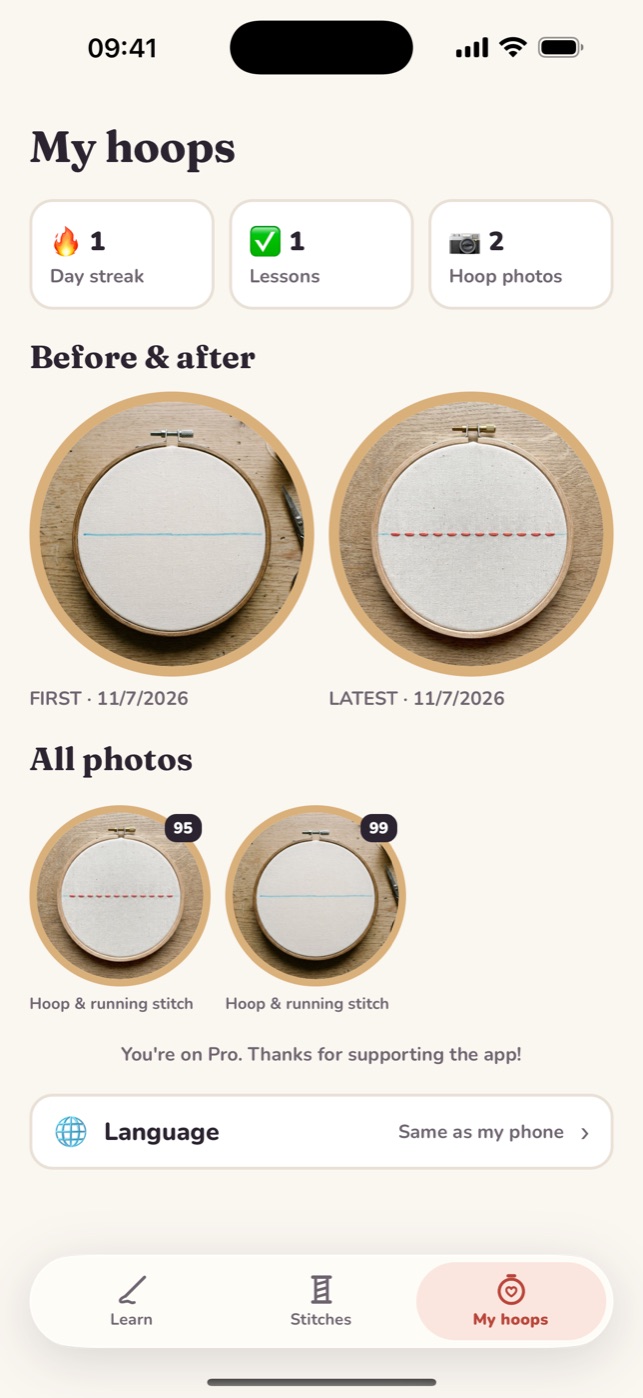
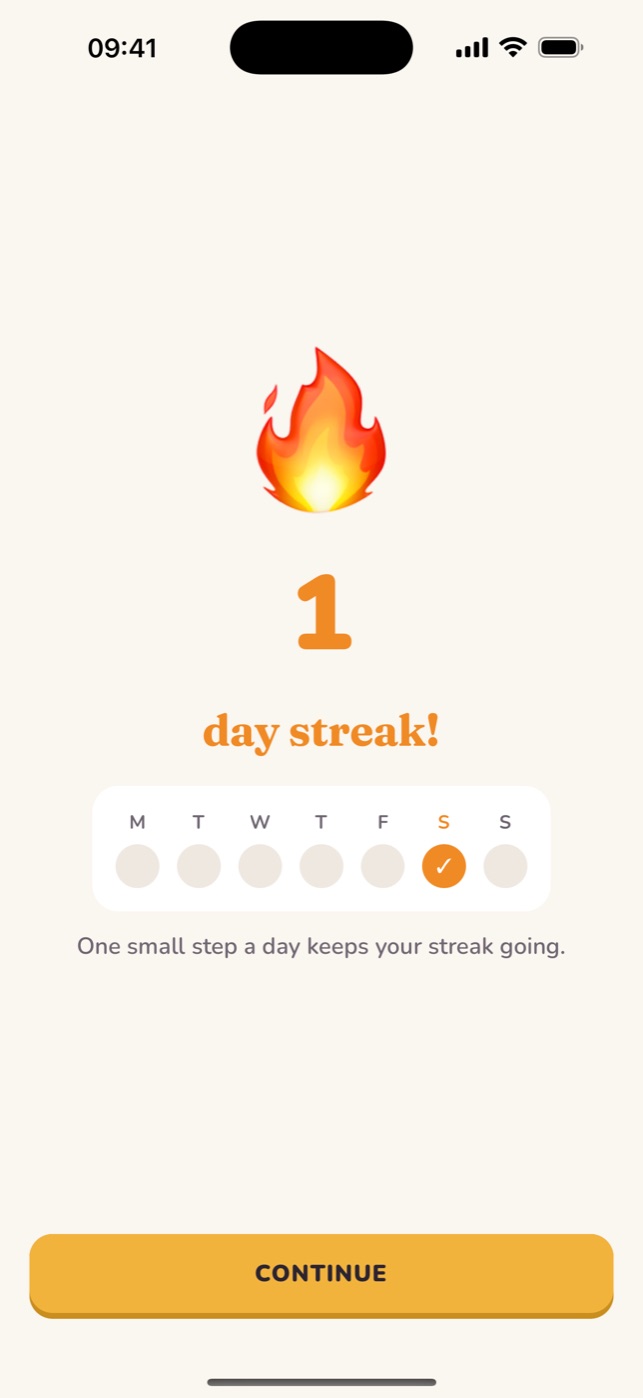
Every hoop photo is saved in My hoops, so you can put your first line next to your latest. A gentle daily streak and reminders help ten minutes a day become a habit.
- Before & after photos
- Daily streak
- Reminders at the time you choose
Free & Pro
Start free. Go Pro when you're hooked.
Free
- First stitches track: hoop, running, back, stem & split stitch
- Basic stitch library
- 3 photo critiques a day
Hoopie ProPRO
- Every lesson: knots, satin stitch & your first flower
- The full animated stitch library
- Up to 50 photo critiques a day
Pro is a subscription with a weekly or yearly plan; the yearly plan includes a free trial for eligible new subscribers. See the App Store for prices in your country.
FAQ
Questions beginners ask
Is Hoopie good for complete beginners?
Yes. Hoopie was made for people who have never stitched before. You start by hooping fabric and stitching one straight line, and each lesson builds on the last.
How does the photo feedback work?
After a step, you take a close-up photo of your hoop. Hoopie's AI coach checks it against what that step asks for and returns a score, what's working, and up to two specific fixes.
What supplies do I need?
An embroidery hoop (15–20 cm / 6–8 in), plain cotton fabric, embroidery floss, an embroidery needle, small scissors and a washable fabric pen. The app gives you a starter list.
Is Hoopie free?
Hoopie is free to download. The first lessons, the basic stitch library and 3 photo critiques a day are free. Hoopie Pro unlocks every lesson, the full library and up to 50 critiques a day.
Does it work for left-handed stitchers?
Yes. Choose left-handed during setup and every stitch diagram is mirrored for you.
Which devices and languages are supported?
Hoopie runs on iPhone and iPad (iOS 15.1 or later) and is available in 33 languages.
How long does each lesson take?
Most lessons take 10 to 20 minutes, so you can learn in short daily sessions.
From the blog
Free embroidery guides
Step-by-step stitch tutorials, beginner basics and easy project ideas.
Trends & styles
Embroidery Trends 2027: What People Are Stitching Next
Hand embroidery trends heading into 2027: botanical hoops, visible mending, embroidered clothing, textured 3D stitches, lettering and calm screen-free crafting.
Projects & ideas
Wildflower Embroidery: Stitch a Meadow with Simple Stitches
Stitch a wildflower meadow or bouquet by hand: easy stitch recipes for daisies, cornflowers, poppies, grasses and buds, plus layout and colour tips.
Projects & ideas
Botanical Embroidery: How to Stitch Leaves, Stems and Flowers
A beginner guide to botanical hand embroidery: choosing plants, stitch recipes for leaves, stems and flowers, colour palettes and composing a botanical hoop.
Projects & ideas
Christmas Embroidery Ideas: Ornaments, Stockings and Gifts
Easy Christmas embroidery ideas for beginners: mini hoop ornaments, felt decorations, stocking names, wreaths, gift tags and festive hoops, with stitches.
Projects & ideas
Flower Embroidery Ideas: 15 Flowers and the Stitches to Use
Easy flower embroidery ideas for beginners: daisies, roses, tulips, lavender, sunflowers and more, with the exact stitches to use for petals, centres and stems.
Learn embroidery
Best Apps to Learn Hand Embroidery in 2026: What to Look For
What makes a good embroidery learning app: stitch animations, structured lessons, feedback on your own work. A practical checklist and how Hoopie fits.
Your first stitch is ten minutes away
Download Hoopie, hoop some fabric and stitch your first line today. Your coach is ready when you are.
Download on the App StoreFree to start · iPhone & iPad · 33 languages